Projects Carousel Proposal
Design and content direction for the homepage first-scroll project section.
Projects Carousel Proposal
Proposal for the first section after the sticky video hero on /. This is the full-viewport white block that currently renders only ProjectsCarousel with no surrounding copy, labels, or project metadata.
Status: Option A implemented (June 2026). See apps/web/components/home/ProjectsShowcase.tsx and apps/web/lib/project-slides.ts.
Current state
When a visitor scrolls past the hero, they land on a 100vh section that is entirely a centered image carousel. The section has no headline, no intro paragraph, no project names, and no navigation affordances beyond hover-to-pause.
What it looks like today
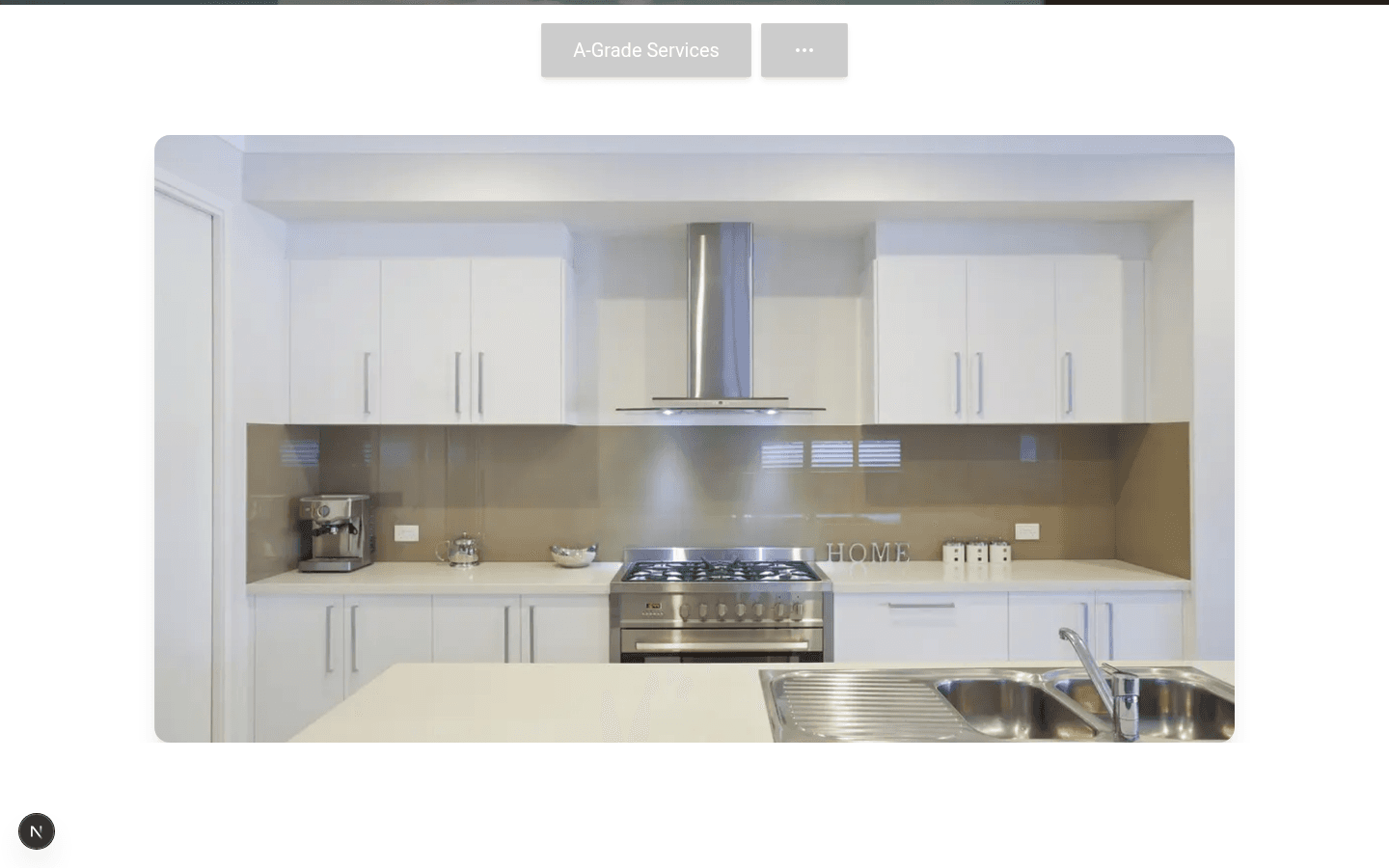
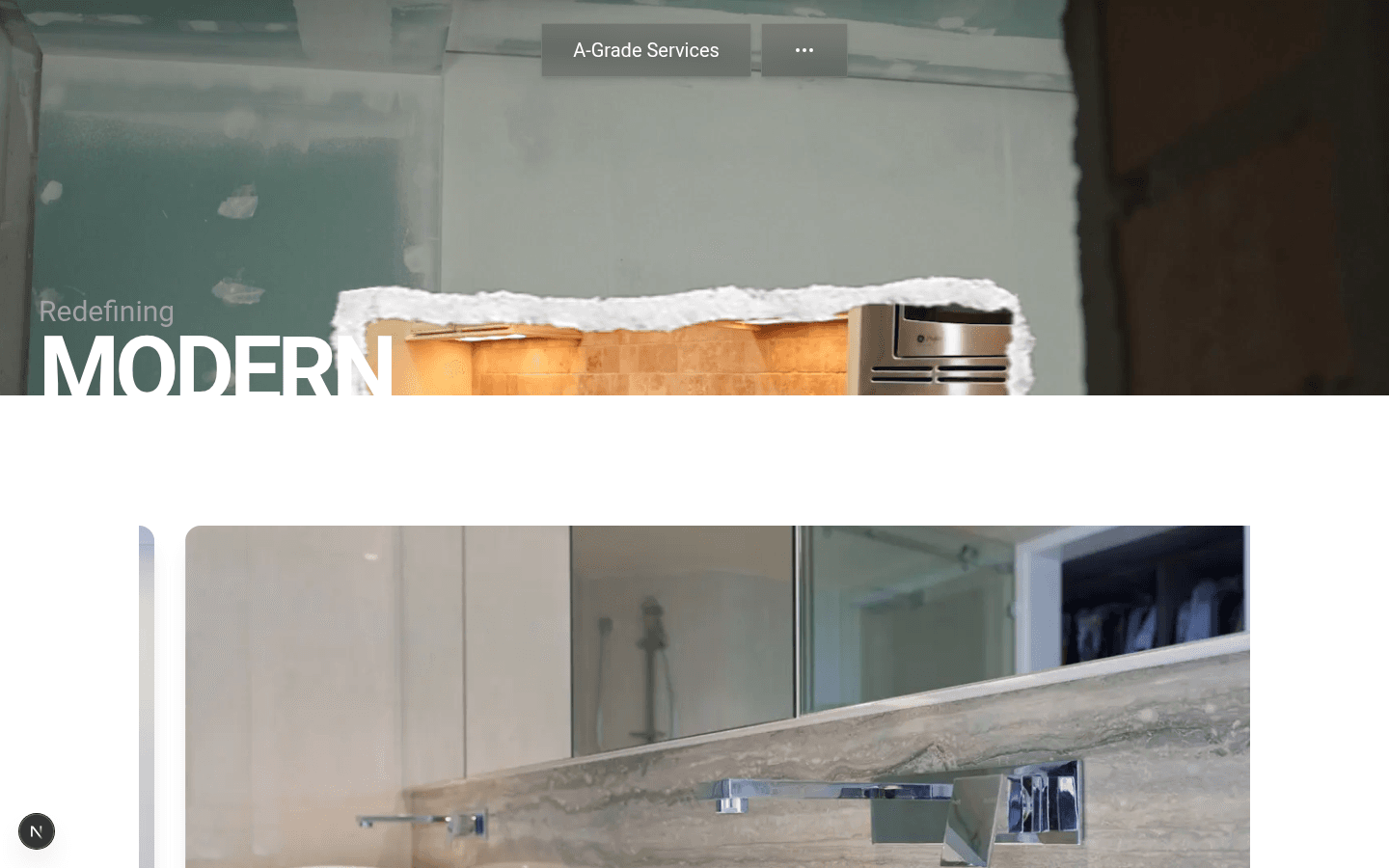
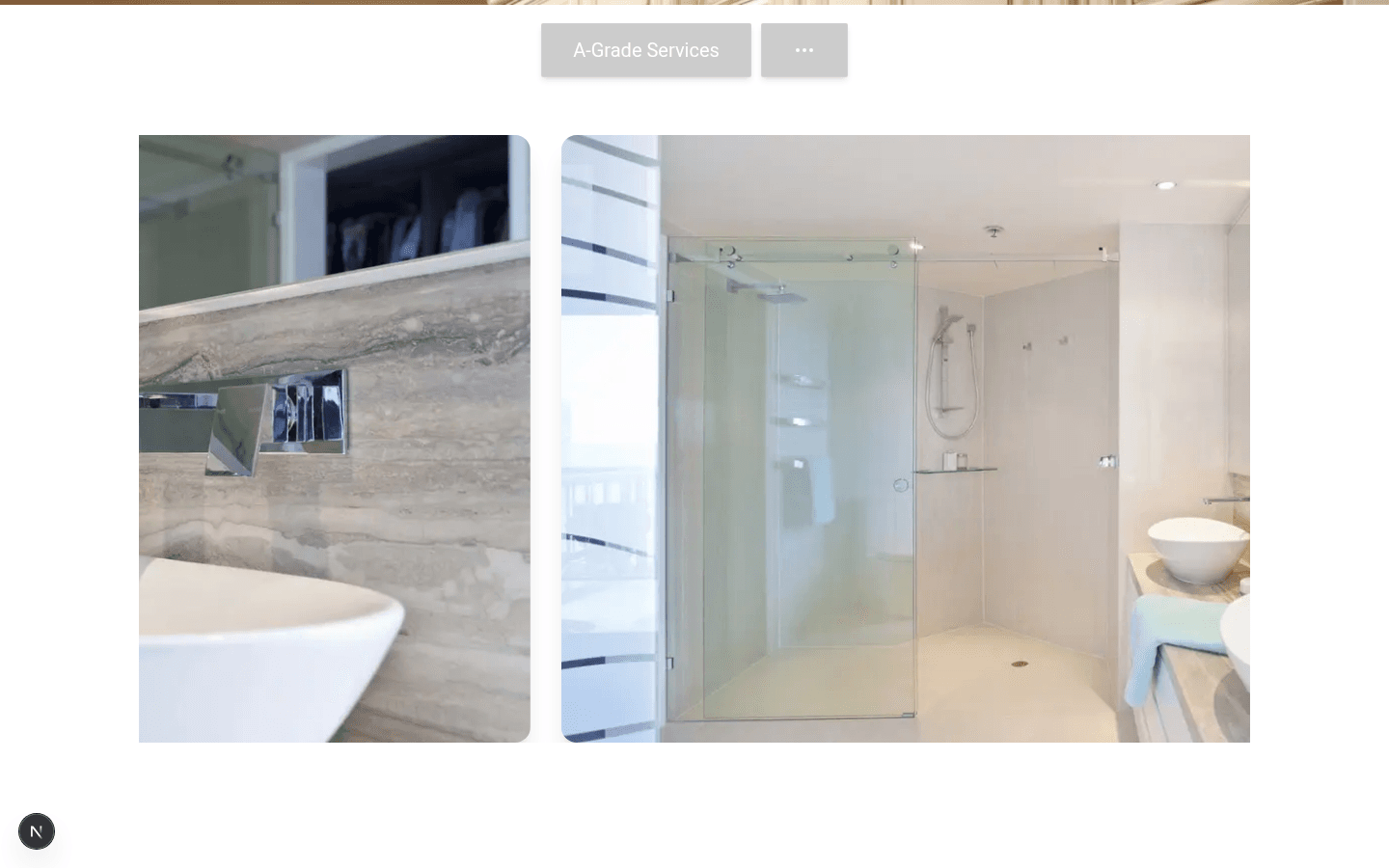
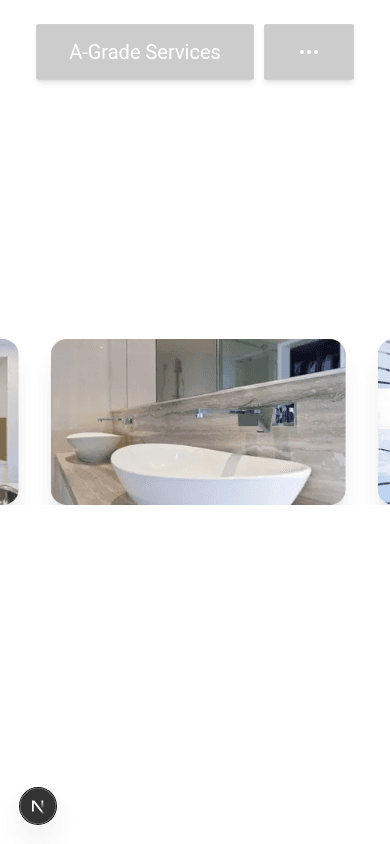
Implementation snapshot
| Area | Current behavior |
|---|---|
| Section shell | h-[100vh], vertically and horizontally centered, white background (apps/web/app/page.tsx) |
| Slide content | 12 stock project images, no titles or categories (ProjectsCarousel.tsx) |
| Autoplay | 1500ms delay, loops continuously, pauses on mouse enter |
| Alignment | Embla align: "center" with 84% / 70% / 100% slide widths by breakpoint |
| Interaction | Desktop-only floating “Projects” cursor label on hover |
| Accessibility | No visible controls, captions, pagination, or prefers-reduced-motion handling |
Problems to solve
1. No section content (“splash” never lands on screen)
The carousel was built as a motion/interaction experiment. The surrounding section story was never added. Visitors scroll from a strong branded hero into anonymous imagery with no explanation of what they are looking at or why it matters.
Because the section is a full viewport of images only, there is no typographic “splash” moment — nothing that says selected work, recent projects, or proof of craft.
2. Centered carousel feels untethered
align: "center" plus full-viewport vertical centering makes the block feel like a floating screensaver rather than the second beat in a homepage narrative. On mobile, partial adjacent slides are visible at the sides, which reads more like an unfinished strip than an intentional editorial layout.
3. Autoplay is likely too fast
At 1500ms per slide with 12 images, a passive viewer cycles the entire gallery in 18 seconds. That is brisk for renovation photography where people want to study materials, layout, and finish quality. It also undercuts the premium, cinematic tone set by the hero.
4. Images are placeholders, not a portfolio system
Slides use stock filenames and generic alt text (Project 1, Project 2, …). There is no data model for project type, location, scope, or optional case-study links — so the carousel cannot yet function as credible proof-of-work.
5. Transition from hero to content is abrupt
The sticky hero scroll mechanic is strong, but the handoff into the first content section does not reinforce the story. Hero says Redefining Modern Living Spaces; the next screen should answer here is what that looks like in practice.
Design goal
Turn this section from a centered autoplay slideshow into the homepage’s proof-of-work moment: a deliberate pause after the hero where visitors understand they are viewing real renovation outcomes, can browse at their own pace, and feel invited to explore services or contact next.
It should still feel cinematic and minimal — not a dense portfolio grid or corporate case-study template.
Recommended direction (primary)
Option A — Editorial split panel is the recommended default. It solves the missing “splash” directly and gives the carousel a job in the layout instead of floating alone.
Layout
- Keep one full-viewport section after the hero.
- Split desktop: left ~35–40% typographic panel, right ~60–65% featured project image.
- Mobile: stack copy block first (short), then carousel beneath so the section title is never off-screen.
- Replace bare vertical centering with intentional padding and top-weighted copy so the headline lands immediately on scroll.
Copy starter (draft)
| Element | Draft text |
|---|---|
| Eyebrow | Selected Work |
| Headline | Spaces We've Renewed |
| Supporting line | A sample of kitchens, baths, and full resets delivered for residential and multi-family properties. |
| Primary CTA | View Services → /services |
| Secondary CTA | Start a Project → /contact |
Carousel behavior changes
| Setting | Proposed |
|---|---|
| Autoplay delay | 4500–6000ms (recommend starting at 5000ms) |
| Default motion | Slow crossfade or gentle slide; avoid snappy cuts |
| Reduced motion | Disable autoplay; show static first project with manual controls |
| Controls | Prev/next buttons + dot pagination or 3 / 12 counter |
| Hover | Keep pause-on-hover; optional caption reveal on active slide |
| Alignment | align: "start" on mobile; featured single-slide on desktop split layout |
Project slide data (minimum viable)
Each slide should carry structured content even if case-study pages come later:
type ProjectSlide = {
  image: string;
  title: string;        // e.g. "Kitchen Renewal"
  category: string;   // e.g. "Cabinet Refacing"
  propertyType?: string; // e.g. "Multi-family"
  location?: string;    // optional until client approves
  href?: string;        // optional future case study
};
Start with 6 curated slides rather than 12 stock images. Quality over quantity reads more premium and slows the perceived pace without awkward duplication.
Mockup — Option A (recommended)
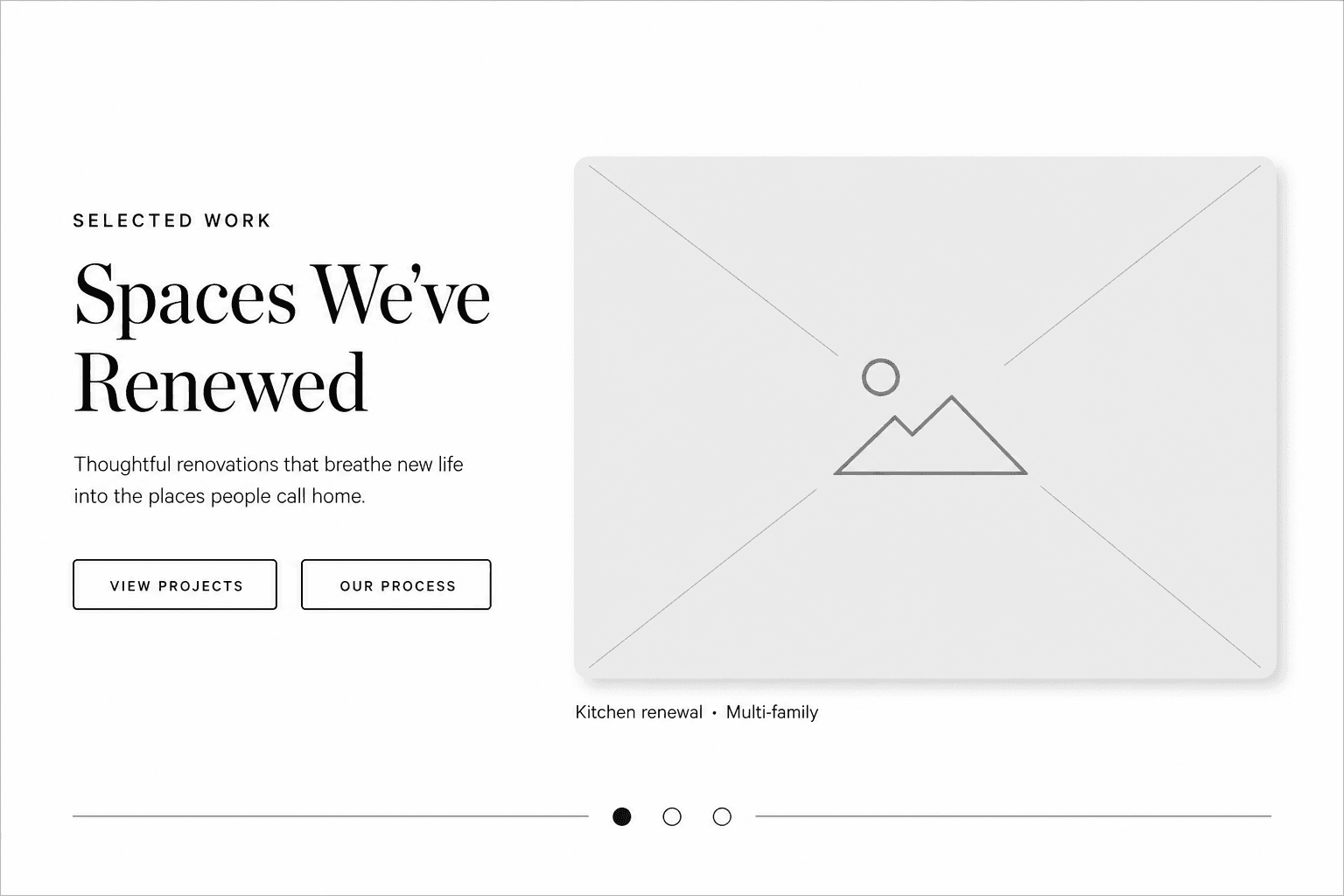
Why this option: Adds the missing splash content, keeps one hero image large, makes the section scannable, and preserves the cinematic white field without turning the page into a grid.
Alternative directions
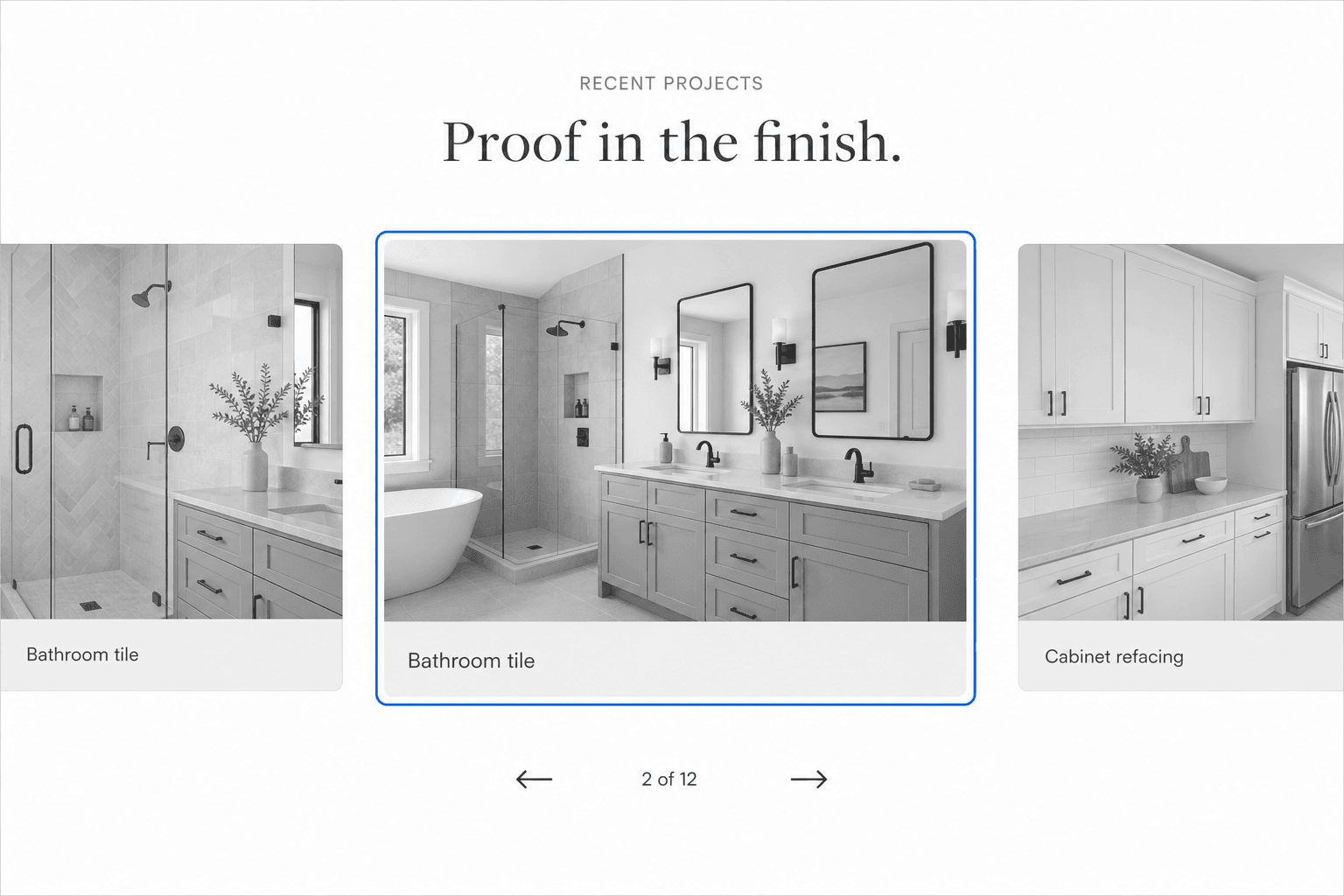
Option B — Centered filmstrip (evolve current pattern)
Keep a centered carousel feel but add top-centered section copy and visible controls. Show one dominant slide with cropped neighbors to suggest depth.
| Pros | Cons |
|---|---|
| Closest to current component | Still risks feeling like “slideshow only” |
| Less layout refactor | Harder to give copy equal weight on mobile |
| Familiar motion language | Center alignment issues may persist on small screens |
Use this if you want the smallest visual departure from today’s build.
Option C — Static featured project + horizontal strip
One large featured image with caption, plus a slower horizontal strip of thumbnails below (manual selection, no autoplay on the strip).
┌──────────────────────────────────────────────┐
│  SELECTED WORK                               │
│  Proof in the finish                         │
│  Short supporting line                       │
├──────────────────────────────────────────────┤
│                                              │
│         [ Large featured image ]             │
│         Kitchen renewal · Multi-family       │
│                                              │
├──────────────────────────────────────────────┤
│  [thumb] [thumb] [thumb] [thumb] [thumb] →   │
└──────────────────────────────────────────────┘| Pros | Cons |
|---|---|
| Best for studying individual projects | More vertical space; less “single viewport moment” |
| No autoplay required for core UX | Thumbnail strip needs careful mobile scrolling |
| Easiest to wire to future case studies | Slightly less dramatic than full-bleed carousel |
Use this if the priority is portfolio clarity over motion.
Motion and pacing notes
- Hero → projects handoff: Consider a subtle fade on the hero video overlay as the white section covers it, so the transition feels intentional rather than a hard swap.
- First paint on scroll: Ensure the section headline is in the first
40vhon mobile so users never scroll into an image with no context. - Autoplay policy: Autoplay should be ambient, not frantic. If in doubt, default to manual navigation on mobile regardless of motion preference.
- Cursor label: The floating “Projects” chip is a nice desktop detail but should not be the only hint of interactivity. Promote captions and controls into the main UI.
Content checklist before build
Gather or approve these before implementation:
- Final eyebrow + headline (draft above is a starting point)
- 6 hero-worthy project images (real jobs preferred over stock)
- Title + category for each slide
- Whether slides should link anywhere on v1 (services vs contact vs none)
- Autoplay on/off preference for desktop and mobile
- Any locations or client names that are safe to show publicly
Proposed implementation scope (after approval)
- Add
ProjectSlidedata and replace the raw image string array. - Refactor
ProjectsCarouselinto a section component (e.g.ProjectsShowcase) that owns copy + layout + carousel. - Update
page.tsxsection shell — padding, split layout, mobile stack. - Tune Embla options: slower autoplay, pagination, reduced-motion branch.
- Add visible prev/next + progress indicator.
- Capture updated screenshots for UI Review once merged.
Estimated touch points: apps/web/app/page.tsx, apps/web/components/ui/ProjectsCarousel.tsx (or successor), optional apps/web/lib/projects.ts for slide data.
Decision needed
Please confirm:
- Layout direction — Option A (recommended), B, or C
- Autoplay — Slower autoplay on desktop, manual-only on mobile, or manual everywhere
- Slide count — Start with 6 curated slides or keep a larger rotating set
- CTAs — Include section buttons on v1, or keep the block image-focused
Once approved, implementation can proceed in a focused pass without reworking later homepage sections.